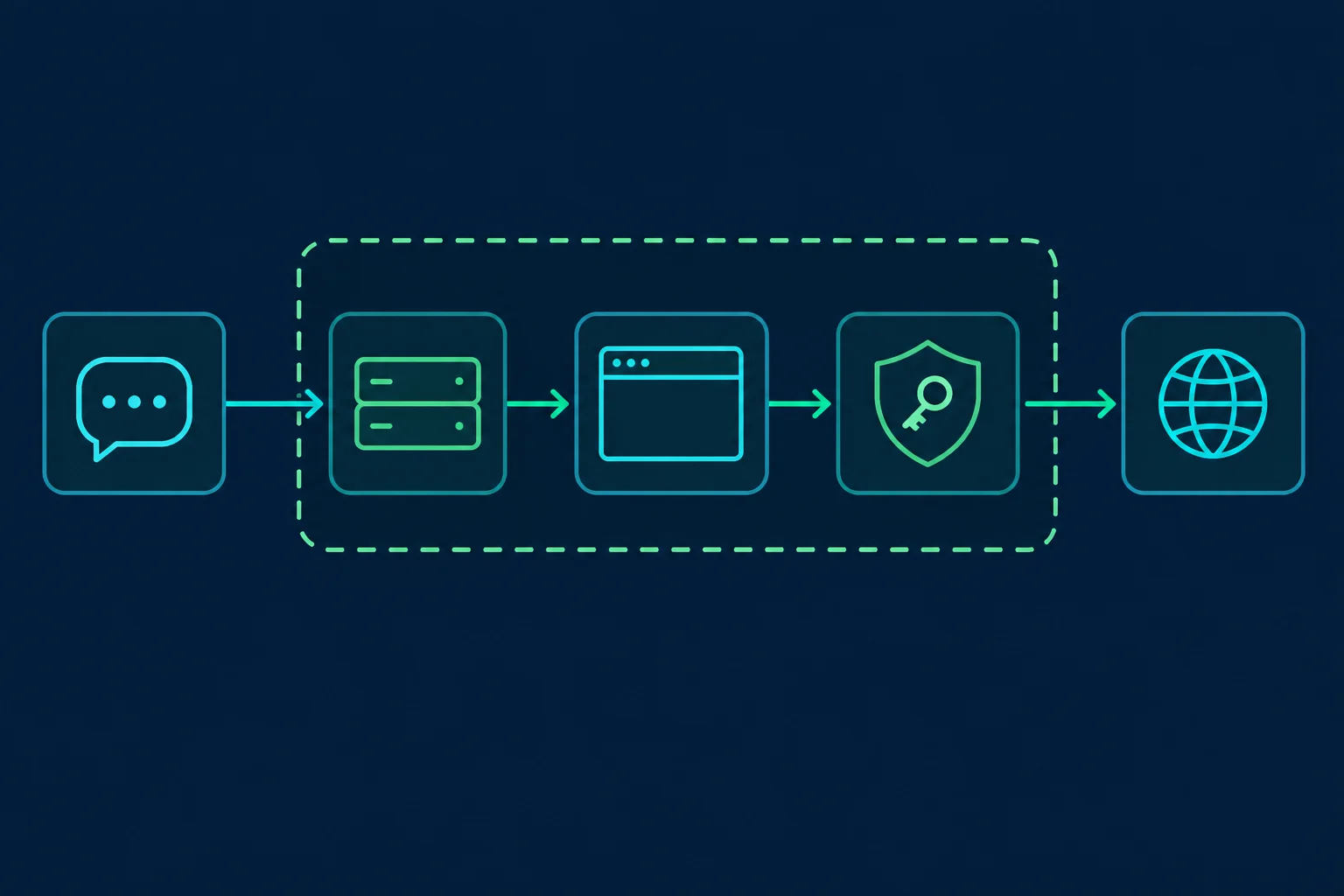
Playwright MCP is Microsoft's Model Context Protocol server that lets an AI agent in Claude Code, Cursor, VS Code, or any other MCP client drive a real Chromium, Firefox, or WebKit browser. To route that browser through a proxy, pass --proxy-server=http://host:port in the server's args. If your proxy needs a username and password, the safest place for them is a Playwright MCP config file under browser.launchOptions.proxy. In @playwright/mcp 0.0.83 and earlier, --proxy-server=http://user:pass@host:port silently drops the credentials. A fix merged in October 2026 (microsoft/playwright#43071) parses them in later releases, but a config file keeps the password out of your MCP client config and process list either way.
The proxy is fixed when the MCP server launches the browser. The normal navigation, click, and form tools all run inside that browser, so pages the agent opens exit through the IP you chose. That makes proxy choice an infrastructure decision you make once per server, not something the agent handles mid-task. One default tool can step outside the browser, though, which is covered in the credentials section below.
This guide covers the flag, the authenticated config file, how to verify the exit IP from inside the agent, and when a residential or ISP proxy fits agent browsing better. If you are scripting Playwright directly rather than through MCP, the Playwright proxy guide covers browser contexts and rotation in code.
Playwright MCP Proxy Quick Setup
For a proxy that does not require credentials, such as an IP-allowlisted endpoint or a local forwarder, add the flag to the standard MCP config:
{
  "mcpServers": {
    "playwright": {
      "command": "npx",
      "args": [
        "@playwright/mcp@latest",
        "--proxy-server=http://proxy.example.com:8080"
      ]
    }
  }
}
In Claude Code, the equivalent one-liner is:
claude mcp add --transport stdio playwright -- npx @playwright/mcp@latest --proxy-server=http://proxy.example.com:8080
Playwright MCP also reads the same setting from environment variables, which is handy in Docker or CI:
| CLI flag | Environment variable | Example value |
|---|---|---|
--proxy-server |
PLAYWRIGHT_MCP_PROXY_SERVER |
http://proxy.example.com:8080 or socks5://proxy.example.com:1080 |
--proxy-bypass |
PLAYWRIGHT_MCP_PROXY_BYPASS |
localhost,127.0.0.1,.internal.example.com |
--config |
PLAYWRIGHT_MCP_CONFIG |
/home/you/.config/playwright-mcp/proxy.json |
Restart the MCP server after changing any of these. The browser is launched with its proxy settings, and an already-running browser keeps the old ones.
Authenticated Proxies Need a Config File
Most commercial residential and ISP proxies authenticate with a username and password. Playwright expects those as separate username and password fields on the proxy object. Older releases of --proxy-server only fill in server and drop any user:pass@ in the URL, and command-line arguments are visible to other local processes, so use a config file:
{
  "browser": {
    "browserName": "chromium",
    "isolated": true,
    "launchOptions": {
      "headless": true,
      "proxy": {
        "server": "http://proxy.example.com:8080",
        "username": "YOUR_PROXY_USERNAME",
        "password": "YOUR_PROXY_PASSWORD",
        "bypass": "localhost,127.0.0.1"
      }
    }
  }
}
Then point the server at it with an absolute path:
{
  "mcpServers": {
    "playwright": {
      "command": "npx",
      "args": [
        "@playwright/mcp@latest",
        "--config=/home/you/.config/playwright-mcp/proxy.json"
      ]
    }
  }
}
A few details matter here:
- Keep the file out of your repo. Store it outside the project or add it to
.gitignore, andchmod 600it on shared machines. MCP client configs such as.mcp.jsonare often committed, so reference the file path there, never the credentials. - Do not mix the flag and the file. Playwright MCP layers settings as config file, then environment variables, then CLI flags, and
launchOptionsis merged one level deep. If you also pass--proxy-serveror setPLAYWRIGHT_MCP_PROXY_SERVER, that proxy object replaces the file's wholeproxyblock, includingusernameandpassword. The usual symptom is a proxy authentication failure on navigation, such asnet::ERR_INVALID_AUTH_CREDENTIALSor a 407 Proxy Authentication Required. - Prefer HTTP for authenticated endpoints. Playwright MCP accepts
socks5://URLs, but HTTP proxies with username and password are the most predictable path across browsers. The SOCKS5 vs HTTP proxy guide explains the protocol differences. - Paste credentials exactly. If your provider gives you
host:port:user:pass, split it intoserver,username, andpassword. The proxy converter reformats proxy lists when a tool expects a different layout.
Treat Proxy Credentials as Readable by the Agent
Navigation and snapshot tools do not show the proxy password to the model. That is not the same as keeping it secret. Two tools can expose it:
browser_run_code_unsafeis on by default. It runs arbitrary JavaScript in the Playwright MCP server process, and the Playwright MCP README describes it as RCE-equivalent. Code run through it can read the server's arguments, environment variables, and config file, and it can make requests from the host with Node's own networking, which skips the browser proxy entirely.browser_get_configis opt-in. The--caps=configcapability adds a tool that returns the fully resolved config, credentials included. Leave it off.
Playwright MCP has no flag to disable browser_run_code_unsafe, but most MCP clients can deny a single tool. In Claude Code, add a deny rule to .claude/settings.json (the name follows mcp__<server name>__<tool name>):
{
  "permissions": {
    "deny": ["mcp__playwright__browser_run_code_unsafe"]
  }
}
Even with that rule in place, a page can try to steer the agent through prompt injection. For agent servers, use proxy credentials you can rotate without touching other workloads, such as a dedicated sub-user or a separate plan, or use IP allowlisting on the proxy so there is no password to leak.
Verify the Agent's Exit IP
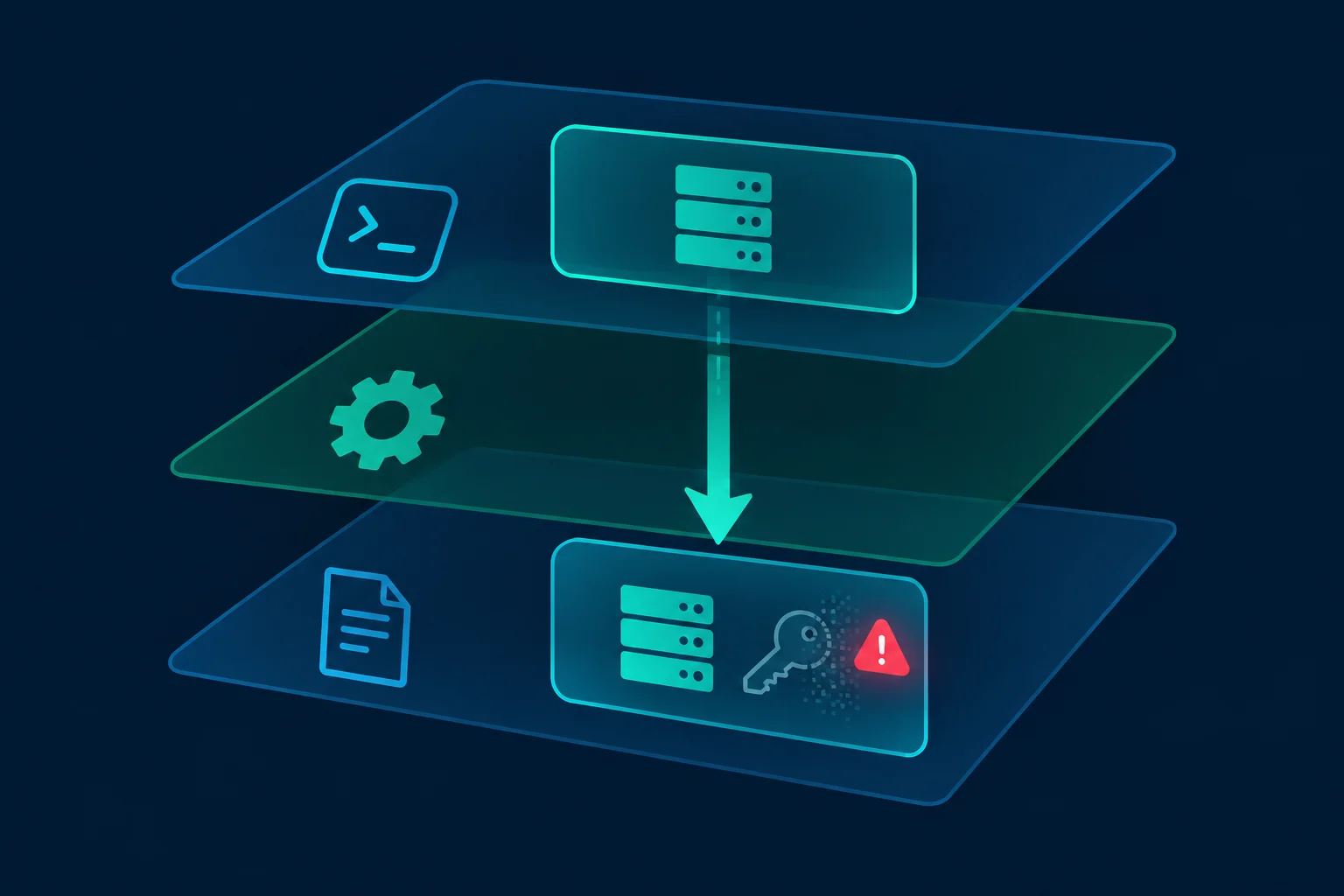
Do not assume the proxy is active because the server started. Check it from inside the agent session, since that is the browser that matters.
First, confirm the proxy works outside MCP:
curl -x http://YOUR_PROXY_USERNAME:YOUR_PROXY_PASSWORD@proxy.example.com:8080 https://api.ipify.org
Then ask the agent:
Navigate to https://api.ipify.org?format=json and tell me the IP address shown.
Then open https://ipinfo.io/json and report the city, region, and country.
The IP from the agent should match the IP from curl. If it shows your own connection instead, the proxy was not applied. The most common reasons:
- The client is still running an older server process. Fully restart the MCP client or reconnect the server.
- The
--configpath is relative. Relative paths resolve against the process working directory, which may not be your project. Use an absolute path. - The server runs with
--extensionor--cdp-endpoint. Both attach to a browser that is already running, so Playwright MCP never launches a browser with yourlaunchOptions. The existing browser uses its own network settings.
If you use a geo-targeted proxy, also match the browser's locale and timezone to the exit location. A US exit IP with a Europe/Berlin timezone is an inconsistency that sites can see. Add contextOptions to the same config file:
{
  "browser": {
    "contextOptions": {
      "locale": "en-US",
      "timezoneId": "America/New_York"
    }
  }
}
Residential or ISP Proxies for AI Agents
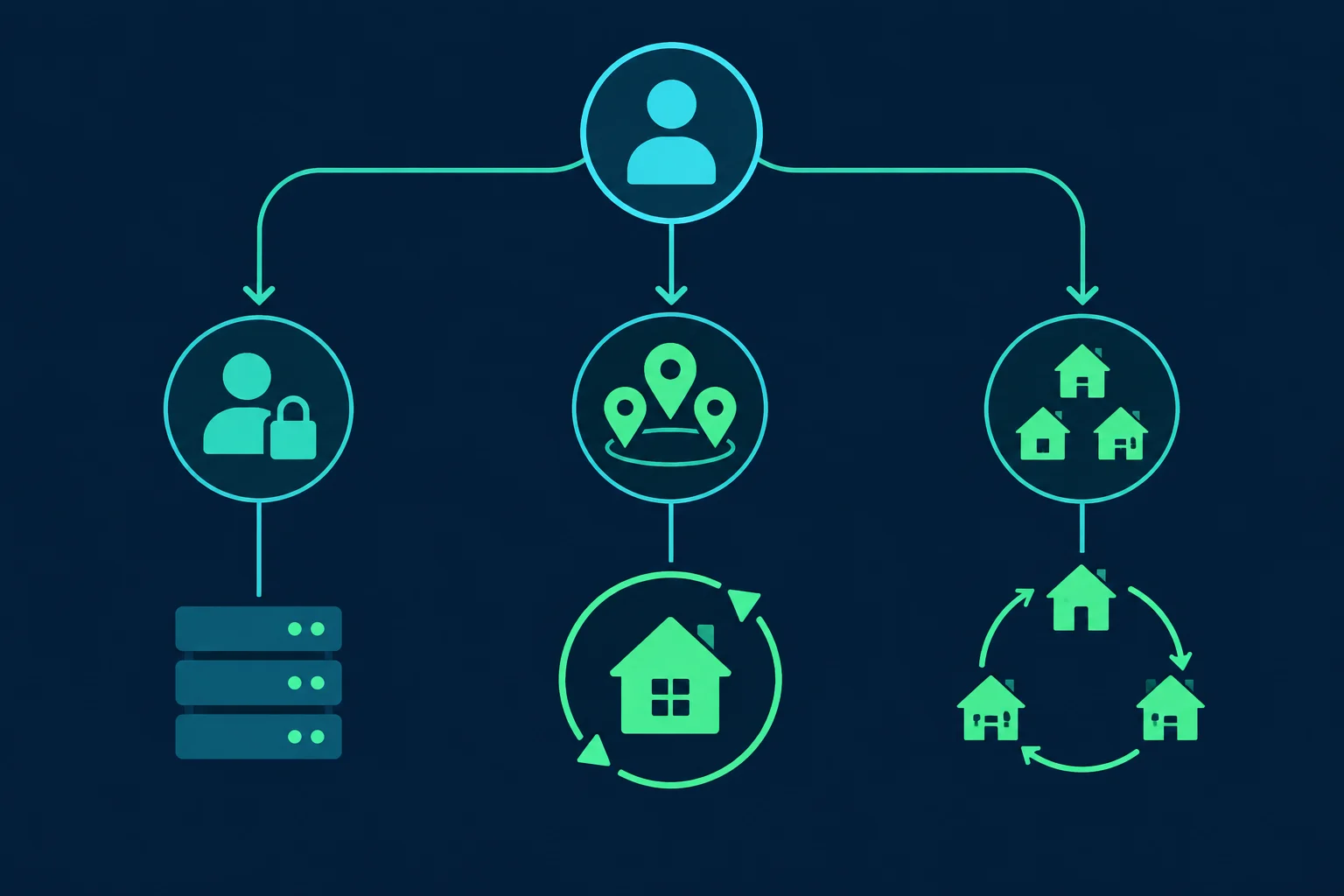
Agent browsing does not look like a scraper's request loop. An agent loads a page, reads the accessibility snapshot, thinks, then clicks or types. One task can take a few minutes and dozens of navigations, and the model expects the site to remember it between steps. That shapes which proxy fits.
| Agent workflow | Better fit | Why |
|---|---|---|
| Logged-in dashboards, account tasks, repeated daily runs | ISP proxy | One stable dedicated IP keeps cookies, sessions, and account history consistent |
| Research across several cities or countries | Sticky residential session | Consumer IPs with location targeting, held for the length of one task |
| Independent one-page lookups | Rotating residential | Each fresh browser session can start from a different IP |
| QA of your own site or local dev server | Direct or bypassed | A proxy only adds latency unless you are testing geo behavior |
The failure mode to avoid is a per-connection rotating endpoint on a multi-step task. A browser opens many connections for one page, and a rotating gateway can hand out a new exit IP for any of them. The agent then logs in from one IP and submits a form from another, which reads as session hijacking to many sites. Use a sticky session or a dedicated IP whenever the task spans more than one page. The trade-offs are covered in more depth in sticky vs rotating proxies and ISP proxies vs residential.
Unknown Proxies sells ISP proxy plans with dedicated US and EU IPs for stable agent identities, and residential proxies with sticky and rotating endpoints plus location targeting. The dashboard generates sticky residential credentials with a session ID already applied, so you can paste them straight into the config file.
Bandwidth Adds Up Faster Than You Expect
Residential proxies are usually billed per GB, and Playwright MCP loads full pages with scripts, fonts, images, and third-party tags. If an average page weighs 3 MB, an agent that makes 200 navigations a day moves about 600 MB before retries. Use the data usage calculator to size a plan from your own numbers.
Two settings trim waste without changing what the agent sees in the snapshot:
--blocked-originstakes a semicolon-separated list of origins to skip, such as analytics and ad tags. As anargsentry:"--blocked-origins=https://www.googletagmanager.com;https://www.google-analytics.com".- Add trusted hosts, such as your own staging site, to the
bypassfield of the proxy block in your config file so they go direct instead of using paid proxy bandwidth.--proxy-bypassonly takes effect together with--proxy-server.
Neither option is a security control; the Playwright MCP docs say explicitly that --blocked-origins is not a security boundary and does not affect redirects. They only cut unnecessary traffic.
Session and Profile Settings for Proxied Agents
Playwright MCP defaults to a persistent browser profile on disk, reused for every session in the same workspace. That is convenient for staying logged in. It becomes a problem when the proxy changes, because the saved cookies say "returning visitor" while the IP says "someone new."
Pick one of these patterns and stay with it:
- Isolated plus a storage state file. Run with
--isolatedand--storage-state=/path/to/state.json. Each session starts clean with only the cookies you chose. Enable--caps=storageif you want the agent to save updated state with thebrowser_storage_statetool. - One profile per proxy identity. Give each ISP IP or sticky session its own
--user-data-dir, so a profile is never reused behind a different IP. - One MCP server per identity. Each server gets one proxy for its whole lifetime, so register separate servers when an agent needs more than one location:
{
  "mcpServers": {
    "browser-us": {
      "command": "npx",
      "args": ["@playwright/mcp@latest", "--isolated", "--config=/home/you/.config/playwright-mcp/us.json"]
    },
    "browser-de": {
      "command": "npx",
      "args": ["@playwright/mcp@latest", "--isolated", "--config=/home/you/.config/playwright-mcp/de.json"]
    }
  }
}
A persistent profile can only be opened by one browser at a time. If two clients share a workspace without --isolated, the second one fails with Browser is already in use for <path>, use --isolated to run multiple instances of the same browser.
Localhost, Docker, and Remote Servers
Playwright sends loopback traffic through the proxy in Chromium unless your bypass list names a loopback host. That surprises people who point an agent at http://localhost:5173 and get a proxy error, because the request went to the proxy's localhost instead of theirs. Add localhost,127.0.0.1 to bypass, as in the config above, or pass --proxy-bypass=localhost,127.0.0.1 in the unauthenticated setup.
For the official Docker image, pass the proxy as an environment variable, or mount the config file when you need credentials:
docker run -i --rm --init \
  -v /home/you/.config/playwright-mcp/proxy.json:/config/proxy.json:ro \
  -e PLAYWRIGHT_MCP_CONFIG=/config/proxy.json \
  mcr.microsoft.com/playwright/mcp
The image already starts headless Chromium and runs as a non-root user, so the mounted file has to be readable by that user. For the unauthenticated case, -e PLAYWRIGHT_MCP_PROXY_SERVER=http://proxy.example.com:8080 is enough.
The proxy applies where the browser runs, not where your MCP client runs. If you host Playwright MCP on a server with --port 8931 --host 0.0.0.0 (behind your own auth or network controls) and connect remotely, the target site sees the proxy IP no matter where the client connects from.
Troubleshooting Playwright MCP Proxy Errors
Browser errors come back to the agent as tool output, so read the actual error text before you ask the model to retry.
| Symptom in tool output | Likely cause | First fix |
|---|---|---|
net::ERR_PROXY_CONNECTION_FAILED |
Wrong host, port, or scheme, or the proxy is down | Test with curl -x, then read ERR_PROXY_CONNECTION_FAILED |
| 407 or a proxy authentication error on navigation | Missing or rejected credentials, often because a CLI flag overrode the config file | Remove --proxy-server and the env var, keep only the config file |
| IP check shows your own IP | Stale server process, relative config path, or --extension / --cdp-endpoint mode |
Restart the client, use an absolute path, launch a browser instead |
| Navigation times out after 60 seconds | Slow or overloaded proxy route | Test latency with curl, then raise --timeout-navigation only if the proxy is healthy |
| Local dev server fails to load | Loopback is being proxied | Add localhost,127.0.0.1 to the bypass list |
| Target returns 403, 429, or a CAPTCHA | The proxy works; the site is applying its own rules | Slow the agent down, review the task, read HTTP 429 |
A 403 or 429 is not proof that the proxy setup failed. It means the request reached the site and the site made a decision about it. Compare the same task at a slower pace before swapping proxies, and see HTTP 403 Forbidden for the common causes.
Use Agents Within Site Rules
A proxy gives an agent a consistent, location-appropriate network identity. It does not grant permission to automate a site that forbids it. Keep agent tasks inside the target's terms of service, respect login and rate limits, and do not point an unattended agent at accounts or data you are not authorized to access. The MCP security best practices are worth reading too, since Playwright MCP is not a security boundary and page content can try to steer the agent.
FAQ
How do I add a proxy to Playwright MCP?
Add --proxy-server=http://host:port to the server's args, or set PLAYWRIGHT_MCP_PROXY_SERVER. For username and password authentication, use a --config JSON file with browser.launchOptions.proxy containing server, username, and password.
Can the AI agent change its proxy during a session?
Not through the normal browsing tools. The proxy is set when Playwright MCP launches the browser, and those tools cannot reconfigure it. The default browser_run_code_unsafe tool can run code on the host that sends requests outside the browser proxy, so deny it in your MCP client if that matters. To use a different IP, restart the server with a different config or register a second server with its own proxy.
Does Playwright MCP support SOCKS5 proxies?
Yes. --proxy-server accepts socks5://host:port. For authenticated proxies, an HTTP endpoint with username and password in the config file is the more predictable choice.
Does the proxy work in Playwright MCP extension mode?
No. With --extension, Playwright MCP connects to your existing Chrome or Edge tabs and ignores the browser section of the config. Traffic uses whatever network settings that browser already has, and --cdp-endpoint likewise ignores launchOptions, including a proxy set in the config file.
Should I use residential or ISP proxies for Playwright MCP?
Use ISP proxies for logged-in or repeated tasks that need one stable IP. Use sticky residential sessions for location-specific research. Avoid per-connection rotation for any task that spans more than one page.
Final Thoughts
A Playwright MCP proxy setup comes down to three decisions: the flag or a config file, a proxy type that matches how long each agent task lasts, and a profile strategy that keeps cookies and IP in sync. Use --proxy-server for unauthenticated endpoints, a config file for credentials, and never both at once. Then verify the exit IP from inside the agent before you trust it with real work.
For stable agent identities, compare ISP proxy pricing. For location-targeted sessions, start with residential proxies.
Technical references: Playwright MCP README, Playwright network and proxy documentation, BrowserType launch options, Claude Code MCP documentation, and RFC 9110 on 407 Proxy Authentication Required.