Web scraping headers are the HTTP metadata sent with each request. For most permitted public-page collectors, the right approach is a small, honest, internally consistent header set: identify the client where appropriate, state which response formats it can process, preserve cookies within one session, and let the HTTP library manage transport headers.
Do not paste every header from a browser into a script. A long imitation can be less consistent than a minimal request because browser-only headers, cookie state, compression support, client hints, and navigation context must agree. Headers also do not grant permission or guarantee access. Check the site's terms, robots.txt, and applicable rules before collecting data.
This guide explains which web scraping headers matter, gives safe Python examples, and shows how to isolate header problems from authentication, rate limits, page state, and proxy reputation. For the complete fetch, classify, parse, paginate, and store sequence, use the Python scraping workflow.
Web Scraping Headers: A Practical Baseline
Start with the fewest headers your target and parser require.
| Header | What it communicates | Practical rule |
|---|---|---|
User-Agent |
Client or application identity | Use a stable, truthful value that matches the client you operate |
Accept |
Response media types the client can parse | Ask for HTML when the job parses HTML |
Accept-Language |
Preferred response languages | Set it only when locale affects the data you need |
Authorization |
Credentials for an approved API or protected resource | Use only credentials issued for that resource; never log the value |
Cookie |
Server-managed session state | Let a session or browser cookie jar manage it |
Referer |
The page from which a navigation originated | Send it only when the workflow actually has that navigation context |
Origin |
Origin of certain cross-origin or state-changing requests | Let a browser set it; do not add it to ordinary GET requests without reason |
If-None-Match / If-Modified-Since |
Cached version already held by the client | Reuse server validators to avoid downloading unchanged pages |
Your HTTP client should normally calculate Host, Content-Length, connection behavior, and compression details. Manually forcing transport headers can create incorrect lengths, unsupported encodings, or connection reuse problems.
The MDN HTTP headers reference separates request, response, representation, authentication, and other field types. Use the definition for a specific header instead of assuming that every field visible in browser developer tools belongs in a scraper.

What Each Important Header Actually Does
Headers are inputs to content negotiation, caching, authentication, and session handling. Treat them as protocol controls, not a bag of anti-block tricks.
User-Agent
User-Agent identifies the client software making the request. A transparent collector can use an application-specific value with a version and contact page:
ExampleResearchBot/1.2 (+https://example.org/crawler-info)
That format gives a site owner a way to understand and contact the operator. If you are using a browser for authorized QA or rendering, keep the browser's own user agent rather than overriding it with a value from a different browser or operating system.
Changing only the user agent does not turn an HTTP library into a browser. JavaScript behavior, supported content encodings, cookies, TLS, and browser-generated metadata still differ. MDN documents the syntax and common directives in its User-Agent reference.
If your collector uses Scrapy, the Scrapy user agent guide shows how to set the project default, add a spider or request override, and verify which value the downloader sent. For a real browser workflow, the Selenium user agent guide covers Chrome launch options, browser-side verification, and profile consistency.
Accept
Accept tells the server which media types the client can process. For an HTML collector, a simple value is usually enough:
Accept: text/html,application/xhtml+xml
For an approved JSON API, prefer application/json. Do not request images, signed exchanges, or other formats that your client cannot parse. Always verify the response Content-Type before sending the body to an HTML or JSON parser. If image binaries are the intended result, the guide to scraping images from website pages separates HTML discovery from validated asset downloads.
Accept-Language
Accept-Language can change translated text, currency presentation, and regional content:
Accept-Language: en-US,en;q=0.8
Set it when language is part of the dataset, then record the chosen locale with each observation. A language header does not guarantee geographic content. Sites may also use the URL, account settings, cookies, or network location.
Cookies
Cookies often carry consent, locale, authentication, and experiment state. Use a cookie jar instead of copying a Cookie header from developer tools. The server may update cookies on any response, and a static copied value quickly becomes stale.
Keep one cookie jar with one logical session. If you rotate the proxy or user identity between requests but retain the same cookies, the server sees contradictory session signals. If a workflow does not need state, avoiding unnecessary cookies makes it easier to reproduce.
Referer and Origin
Referer describes a previous page in a real navigation. Origin is used by browsers in CORS and some state-changing request contexts. Neither is a universal requirement for an ordinary document fetch.
Do not invent a referring page or add Origin everywhere. If a permitted workflow genuinely follows page A to page B, a browser or session-aware client can preserve that context. If an endpoint requires CSRF state, use the supported authentication flow rather than fabricating only its headers.
Conditional Request Headers
Caching headers reduce traffic and make recurring monitoring more efficient. Store an earlier response's ETag or Last-Modified, then send the corresponding validator:
If-None-Match: "saved-etag-value"
If-Modified-Since: Tue, 30 Jun 2026 08:00:00 GMT
A 304 Not Modified response means the cached representation is still current. It saves bandwidth and parsing work. Follow the site's cache policy, because not every resource supplies validators and an ETag may vary by representation.
Python Requests Example With Stable Headers
Use requests.Session() to keep headers, cookies, and connection pooling together:
import requests

session = requests.Session()
session.headers.update({
    "User-Agent": "ExampleResearchBot/1.2 (+https://example.org/crawler-info)",
    "Accept": "text/html,application/xhtml+xml",
    "Accept-Language": "en-US,en;q=0.8",
})

response = session.get(
    "https://example.com/public-page",
    timeout=(5, 20),
)
response.raise_for_status()

content_type = response.headers.get("Content-Type", "")
if "text/html" not in content_type:
    raise ValueError(f"Expected HTML, received {content_type!r}")

html = response.text
This baseline deliberately omits Host, Connection, Content-Length, Accept-Encoding, Cookie, and browser-only metadata. requests and its underlying libraries manage the transport details; the session manages cookies received from the server.
For proxy routing, add a proxy configuration without changing the target headers:
proxy_url = "http://username:password@proxy.example.com:8000"
session.proxies.update({
    "http": proxy_url,
    "https": proxy_url,
})
Keep proxy credentials in environment variables or a secret manager in real projects. The full Python proxy requests guide covers URL formatting, authentication, timeouts, and route verification.
Browser Headers Are Different From HTTP Client Headers
Chrome, Firefox, and other browsers generate request metadata from the actual navigation, browser version, policy, and page context. That includes fields such as Sec-Fetch-Site, Sec-Fetch-Mode, and Sec-Fetch-Dest.
These Fetch Metadata request headers help servers understand where a request came from and how it will be used. In browser automation, let the browser produce them. In a normal HTTP client, omitting browser-only fields is more coherent than hard-coding a set captured from an unrelated navigation.
The same rule applies to client hints and compression:
- Do not claim support for a content encoding unless the client can decode it.
- Do not combine a mobile user agent with desktop-only client hints.
- Do not reuse browser build numbers indefinitely.
- Do not set navigation metadata on background API requests.
- Do not override browser headers unless a specific test requires it.
If the required public data exists only after permitted browser rendering, use an actual browser. The Playwright proxy setup guide explains how to keep browser contexts and network sessions isolated.
Preserve Headers, Cookies, and Proxy Identity Together
A stable request profile has more than one component:
- One client implementation and version.
- One deliberate header policy.
- One cookie jar for each logical session.
- One locale for data that depends on language or region.
- One proxy route for each stateful session.
- One bounded request schedule with caching and backoff.
For independent public pages, each task can start a clean session. For a multi-page workflow, keep the same cookies and route until that workflow ends. Rotating the IP midway through a login, cart, or consent flow can break server-side state even if every header stays the same.
If you need many independent routes, residential proxies support location targeting and rotation. For a stateful job, use sticky routing rather than rotating every request. Proxies address network route and IP concentration; they do not repair invalid headers, missing authorization, or a disallowed use case.
Diagnose a Suspected Header Block
Do not respond to every 403 by adding more headers. Change one variable at a time:
- Save the status, final URL, redirect history,
Content-Type, and a small redacted body sample. - Confirm that the requested resource and collection method are permitted.
- Test the same URL at low frequency without a proxy.
- Compare the HTTP library's actual outgoing headers with the intended minimal set.
- Start a new session without copied cookies.
- Add only the one header the application demonstrably requires.
- If direct and proxied results differ, keep headers constant and test the network route separately.
- Stop or cool down on access-denied and rate-limit responses.
Never log authorization values, complete cookies, proxy passwords, or personal data. Redact them at collection time rather than relying on a later cleanup.
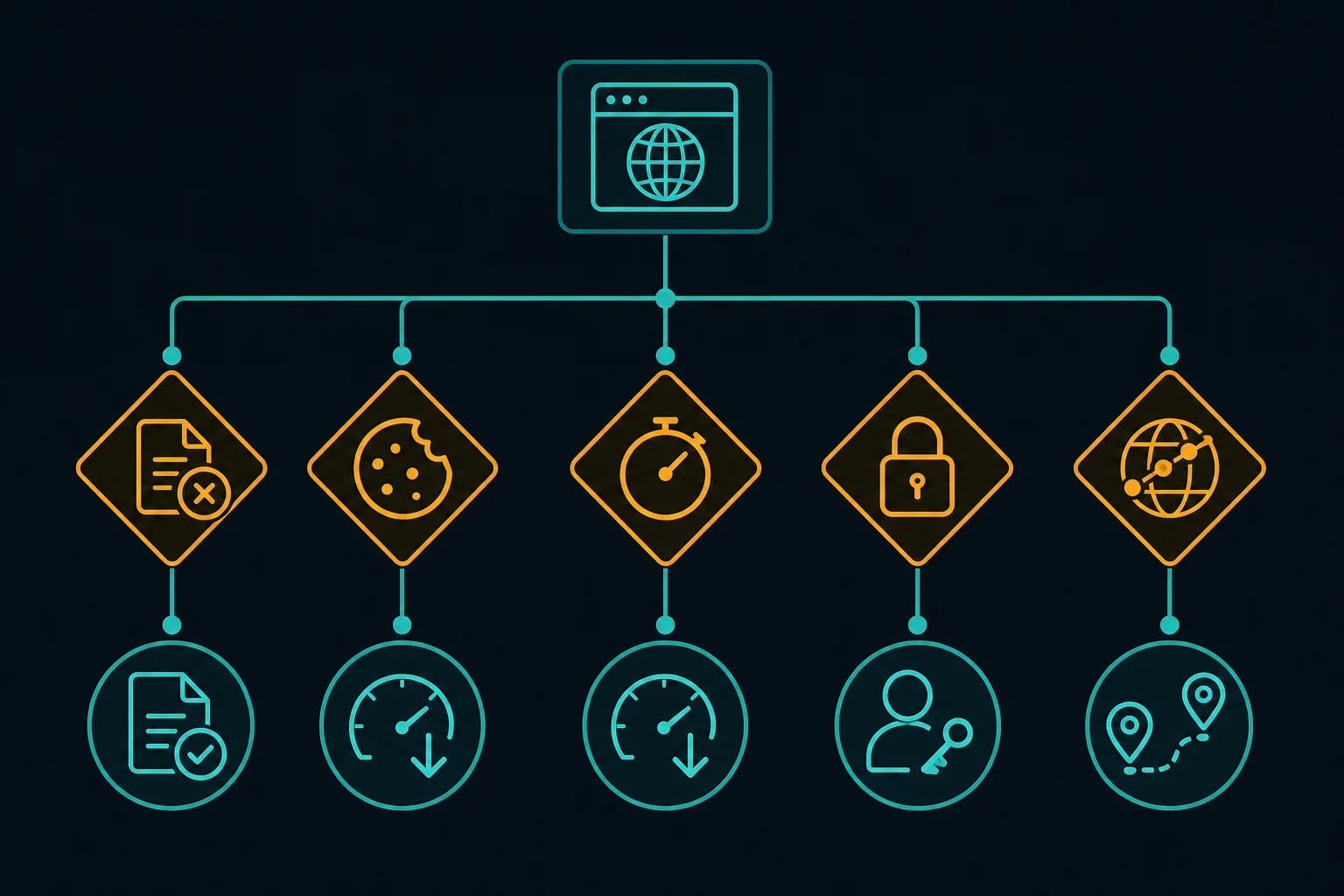
Common Header Mistakes
Copying a Complete Browser Request
A copied request includes temporary cookies, navigation-specific metadata, experiment values, and browser capabilities. It may work once and then fail unpredictably. Reconstruct the minimum supported request from the site's documentation or observed requirements instead.
Randomizing Headers on Every Request
Random combinations can contradict one another and make failures impossible to reproduce. Keep a versioned header policy per client. Change it deliberately, test it on a small URL set, and record the result.
Treating 403 and 429 as the Same Problem
An HTTP 403 Forbidden response is an access denial. An HTTP 429 Too Many Requests response is a rate-limit signal. A correct header set will not fix excessive request volume; honor Retry-After, lower concurrency, cache responses, and add backoff.
Cloudflare Error 1020 is another distinct case: a site owner's firewall rule denied the request at Cloudflare's edge. Use the Cloudflare Error 1020 guide to separate that rule match from a generic header bug.
Sending Browser-Only Fields From a Basic Client
Adding Sec-Fetch-* and client-hint fields does not give Python requests browser behavior. If browser execution is a real requirement, use a browser. If it is not, keep the client request simple.
Ignoring Response Headers
Response metadata is part of the protocol. Inspect Content-Type, Retry-After, Location, Set-Cookie, cache validators, and rate-limit fields where provided. A 200 response containing a consent page or login page is not successful data extraction.
A Production Checklist
Before scaling a collector, verify:
- The source and collection method are allowed for your use case.
- The user agent is stable and appropriate for the actual client.
Acceptmatches formats the parser supports.- Locale is explicit when it changes the data.
- Cookies live in a per-session jar and secrets are redacted from logs.
- Conditional requests and caching avoid repeat downloads.
- Stateful sessions keep one network route.
- Timeouts, bounded retries, jitter, and
Retry-Afterhandling are enabled. - Metrics separate status codes, page classifications, parser failures, and proxy failures.
- A small canary run passes before concurrency increases.
For recurring jobs, track the header-policy version with each run. When a target changes, you can compare failure rates before and after a controlled update instead of guessing which random field helped. The broader guide to crawling a website without getting blocked shows how to place that stable request profile inside a bounded queue, per-host scheduler, cache, and response-classification loop.
Frequently Asked Questions
What headers should I use for web scraping?
Use the minimum set required by the permitted resource: usually a stable User-Agent, an Accept value matching your parser, and Accept-Language when locale matters. Let your library handle transport headers and your session handle cookies.
Do web scraping headers prevent 403 errors?
They can fix a request that was denied because required metadata, authentication, or session context was missing. They cannot override permissions, site policy, firewall rules, IP reputation, or excessive traffic. Diagnose the source of the 403 before changing the request.
Should I rotate the User-Agent header?
Not by default. A stable client identity is easier to operate and debug. In authorized cross-browser testing, use real browser versions and treat each browser context as a coherent profile instead of rotating one header independently.
Should I copy Chrome headers into Python requests?
No. Chrome-generated headers describe browser capabilities and navigation context that requests does not reproduce. Copying them can create contradictions. Use a minimal HTTP-client profile, or use a real browser when rendering is necessary.
Are headers or proxies more important for scraping?
They solve different layers. Headers describe the request and session context; proxies provide a network route. First make the request correct and compliant at a conservative rate. Test proxies separately only when IP location, reputation, or concentration is a demonstrated constraint.
Conclusion
Good web scraping headers are minimal, accurate, and consistent with the client, cookies, locale, and network session that sends them. Start with User-Agent, Accept, and only the context your workflow genuinely needs. Let the library manage transport details, use caching to reduce traffic, and diagnose authorization, rate, page state, and proxy routing as separate variables.
That approach produces a collector you can reproduce and maintain. It also makes the next decision clear: fix the request when metadata is wrong, slow down when rate is the problem, request access when authorization is missing, and evaluate proxy plans only when network routing is the verified constraint.